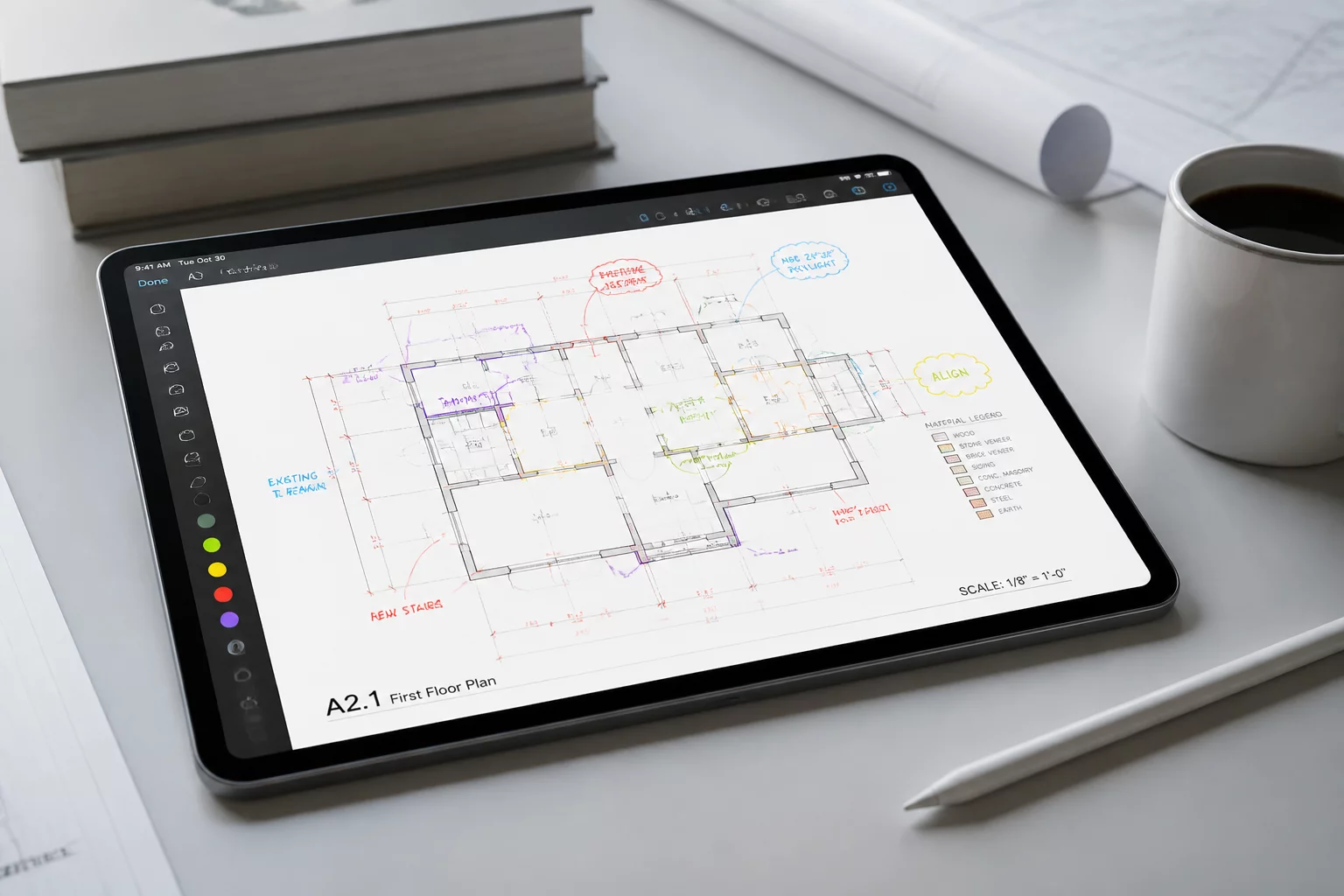
The recent deployment of Bluebeam Revu 21.6 introduces targeted refinements across core desktop rendering pipelines, cloud-synced Studio markup catalogs, and multi-sheet comparison routines. As architectural and engineering practices manage larger drawing packages with complex revision histories, software stability during high-volume PDF redlining becomes an essential baseline for project delivery.
Operational Scope and Executive Summary
In version 21.6, the engineering team prioritizes performance optimization for dense raster and vector drawing packages. Document comparison features now handle nested line weights and transparency layers with reduced processing overhead. Teams tracking modifications across structural, mechanical, and architectural sheets will note cleaner visual differentiation when overlaying sequential bulletin issuances.
Key Technical Dimensions
The update brings specific functional enhancements to common drawing review tasks:
- Vector Overlay Acceleration: Accelerated alignment calculations when comparing revised plan sets against original baseline contract documents.
- Markup List Filtering Enhancements: More responsive multi-criteria filters across custom columns, allowing design managers to isolate outstanding consultant comments rapidly.
- Studio Session Reconnection Handling: Smoother state synchronization when working on unstable field connections, preventing session lockouts during active collaborative review.
- Batch Link Navigation Fixes: Improved reliability when generating automated hyperlink targets across revised drawing index schedules.
Structured revision management requires review software to document every annotation without altering vector accuracy or compromising sheet metadata integrity.
Implementation and Compliance Context
For administrative teams coordinating enterprise deployments, version 21.6 maintains backward compatibility with standard Studio project repositories while delivering updated MSI distribution parameters. Quality assurance leads should verify custom tool chest profiles and layer export scripts against the new build prior to general office distribution, ensuring unbroken continuity in drawing markup standards.